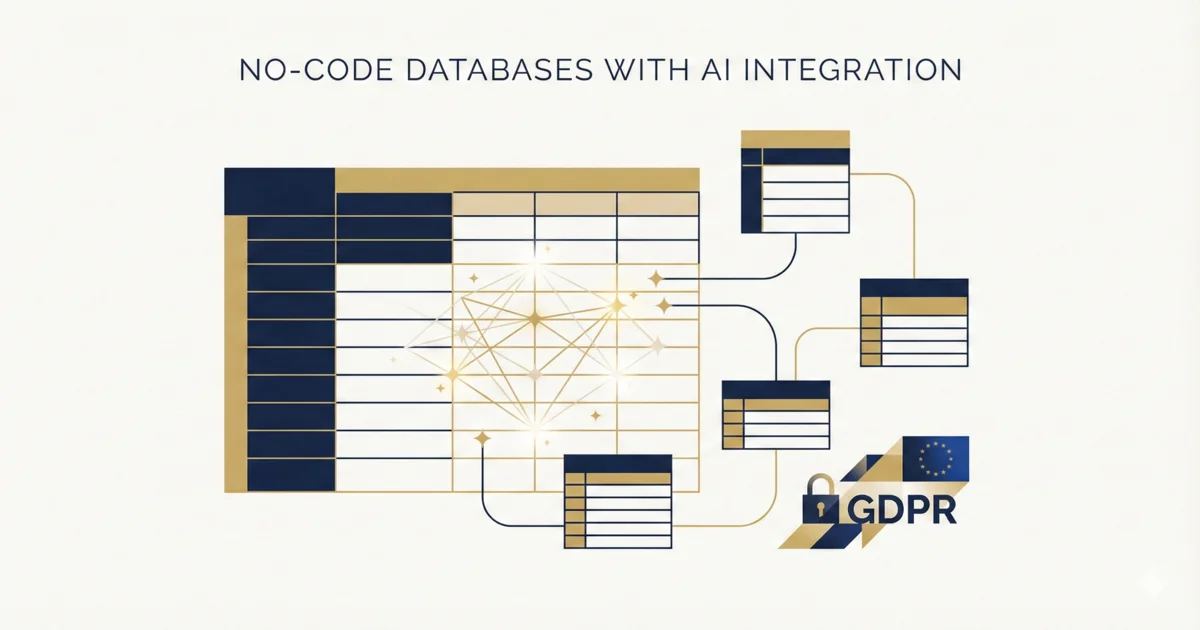
No-code databases have evolved from simple tables to full-fledged business applications. The latest evolution: native AI integration. Airtable, SeaTable, and competitors now enable AI-powered automation directly in the database.
This article compares the leading platforms, analyzes their AI capabilities, and provides recommendations for European companies with data privacy requirements.
What Are No-Code Databases?
No-code databases combine the flexibility of spreadsheets with the structure of relational databases – without programming:
| Excel/Sheets | No-Code Database |
|---|---|
| Flat tables | Linked tables |
| Manual formulas | Automations |
| Local files | Cloud-based, collaborative |
| No validation | Field types and constraints |
Typical applications:
- CRM systems
- Project management
- Inventory management
- Content calendars
- Applicant tracking
Platform Overview
Airtable
| Criterion | Assessment |
|---|---|
| Market leader | ✓ |
| AI features | Airtable AI (summaries, categorization) |
| Integrations | 1,000+ native apps |
| Hosting | US cloud (AWS) |
| Data privacy | Problematic for EU |
| Price | From $20/user/month |
Strengths: Mature product, largest ecosystem, best documentation
Weaknesses: US hosting, expensive for larger teams, vendor lock-in
SeaTable
| Criterion | Assessment |
|---|---|
| GDPR focus | ✓ |
| AI features | Integrated AI columns, Python integration |
| Integrations | n8n, Make, Zapier |
| Hosting | Self-hosted or DE cloud |
| Data privacy | Optimal for EU |
| Price | Free (self-hosted) / from €7/user (cloud) |
Strengths: German company, self-hosting possible, Python integration
Weaknesses: Smaller ecosystem, fewer native integrations
Notion (Database Feature)
| Criterion | Assessment |
|---|---|
| All-in-one | ✓ |
| AI features | Notion AI (text generation, summaries) |
| Integrations | Limited |
| Hosting | US cloud |
| Data privacy | Problematic for EU |
| Price | From $10/user/month |
Strengths: Combines docs, wiki, databases
Weaknesses: Not a true relational database, limited automation
Baserow
| Criterion | Assessment |
|---|---|
| Open Source | ✓ |
| AI features | API-based (no native AI) |
| Integrations | API, n8n, Make |
| Hosting | Self-hosted or EU cloud |
| Data privacy | Good (self-hosting) |
| Price | Free (self-hosted) / from €5/user |
Strengths: Open source, self-hosting, affordable
Weaknesses: No native AI features, less mature
AI Features Comparison
| Feature | Airtable | SeaTable | Notion | Baserow |
|---|---|---|---|---|
| Text summarization | ✓ | ✓ | ✓ | ✗ |
| Auto categorization | ✓ | ✓ | ✓ | ✗ |
| Sentiment analysis | ✓ | Via Python | ✓ | ✗ |
| Image analysis | ✗ | Via Python | ✗ | ✗ |
| Custom AI columns | ✓ | ✓ | ✗ | ✗ |
| API to GPT-5.2/Claude Opus 4.5 | Via automation | ✓ (native) | ✗ | Via API |
Practical Application Examples
Example 1: Automated Lead Qualification
Setup in SeaTable:
Table: Leads
Columns:
- Company Name (Text)
- Email (Email)
- Message (Long Text)
- Qualification (AI Column)
- Score (Formula)

AI Column "Qualification":
Prompt: "Analyze the message and categorize:
- HOT: Ready to buy, budget mentioned, urgency
- WARM: Interest, specific questions
- COLD: General inquiry, no signals"
Automation:
When Qualification = "HOT"
→ Email to sales
→ Create task in project management
→ Slack notification
Example 2: Content Calendar with AI Support
Setup in Airtable:
Table: Content Ideas
Columns:
- Title (Text)
- Topic (Single Select)
- Keywords (AI-generated)
- Meta Description (AI-generated)
- Status (Single Select)
- Publication Date (Date)

AI Column "Keywords":
Based on: Title, Topic
Prompt: "Generate 5 SEO keywords for this article"

AI Column "Meta Description":
Based on: Title, Keywords
Prompt: "Write a 155-character meta description"
Example 3: Invoice Processing
Setup:
Table: Incoming Invoices
Columns:
- PDF (Attachment)
- Extracted Data (AI Column)
- Supplier (Lookup)
- Amount (Currency)
- Due Date (Date)
- Status (Single Select)

AI Column "Extracted Data":
Analyzes: PDF attachment
Extracts: Invoice number, amount, due date, supplier
Format: JSON
Data Privacy Assessment for European Companies
| Platform | GDPR Compliance | Recommendation |
|---|---|---|
| Airtable | Problematic (US servers, no DPA per EU standard) | Only for non-critical data |
| SeaTable Cloud | Good (DE servers, German company) | Recommended |
| SeaTable Self-Hosted | Optimal (full control) | Best practice |
| Notion | Problematic (US servers) | Only for non-critical data |
| Baserow Self-Hosted | Good (full control) | Alternative without AI |
Important with AI usage: When the platform sends data to OpenAI/Claude, their privacy policy also applies. Check if a data processing agreement exists.
Cost Comparison
| Scenario | Airtable | SeaTable Cloud | SeaTable Self-Hosted |
|---|---|---|---|
| 5 users, simple use | $100/month | €35/month | €0 + server |
| 20 users, active use | $320/month | €140/month | €0 + server |
| 50 users, enterprise | $800+/month | Individual | €0 + server |
| AI usage | Included | Included | API costs extra |
Server costs for self-hosting:
- Hetzner: from €10/month
- Netcup: from €8/month
- Own infrastructure: variable
Decision Matrix
| Requirement | Recommendation |
|---|---|
| Maximum features, US data OK | Airtable |
| GDPR-critical, cloud preference | SeaTable Cloud |
| Full data control | SeaTable Self-Hosted |
| Minimal budget, AI not important | Baserow Self-Hosted |
| All-in-one (docs + DB + wiki) | Notion (for non-critical data) |
Implementation Tips
Start with Clear Use Case
Don’t begin with “database for everything,” but with a specific problem:
- Manage leads
- Track projects
- Plan content
Plan Migration
| From | To | Effort |
|---|---|---|
| Excel | No-code DB | Low (import function) |
| Airtable | SeaTable | Medium (structure mapping) |
| Custom DB | No-code DB | High (logic migration) |
Automations Step by Step
Phase 1: Manual use
Phase 2: Simple automations (notifications)
Phase 3: AI-powered fields
Phase 4: Complex workflows with n8n/Make
For Phase 4, we recommend reviewing our detailed n8n vs Make comparison to choose the right platform.
Conclusion
No-code databases with AI integration are a productivity multiplier – when used correctly. The choice of platform depends on three factors:
- Data privacy requirements: For sensitive data, there’s no way around EU hosting or self-hosting
- Budget: Self-hosted is cheaper long-term but requires technical capacity
- Ecosystem: Airtable has the most integrations, SeaTable the best GDPR position
For European SMBs with data privacy requirements, SeaTable (cloud or self-hosted) is the most recommended option. It combines mature no-code features with native AI integration and full data sovereignty.
Frequently Asked Questions
Can I migrate Airtable data to SeaTable?
Yes, via CSV export/import. The structure (tables, fields, relationships) must be rebuilt manually. Automations are not transferable.
How demanding is self-hosting SeaTable?
With Docker, installation takes about 30 minutes. Ongoing effort: updates (monthly, ~30 min.), backups (automatable), monitoring (optional).
Which AI models do the platforms use?
Airtable uses GPT-5.2 via OpenAI API. SeaTable allows choice between providers (OpenAI GPT-5.2, Anthropic Claude Opus 4.5, local models like Llama 3.3).
Do I need programming knowledge?
For basic features: no. For advanced automations (n8n, Make) and custom AI: helpful but not mandatory.
Evaluating no-code platforms for your company? In a free consultation, we analyze your requirements and provide a specific platform recommendation.